NCEA 2026 · study machines · Aotearoa
Exams start Tuesday 10 November.
Start here.
Kia ora. Free study machines for Years 9–13. Pick your year, find your exam, open the machine.
What year are you in?Your exams and machines line up to match. Saved on this device.
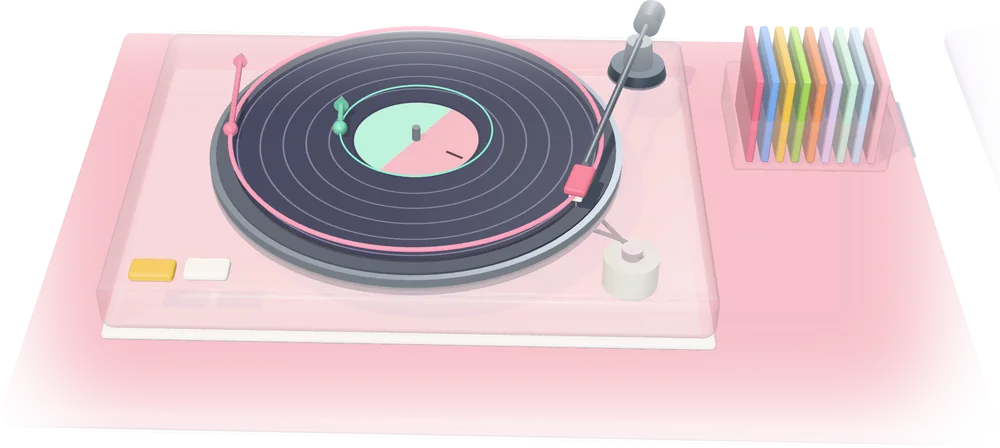
01 / Start with a machine
Start with a machine.
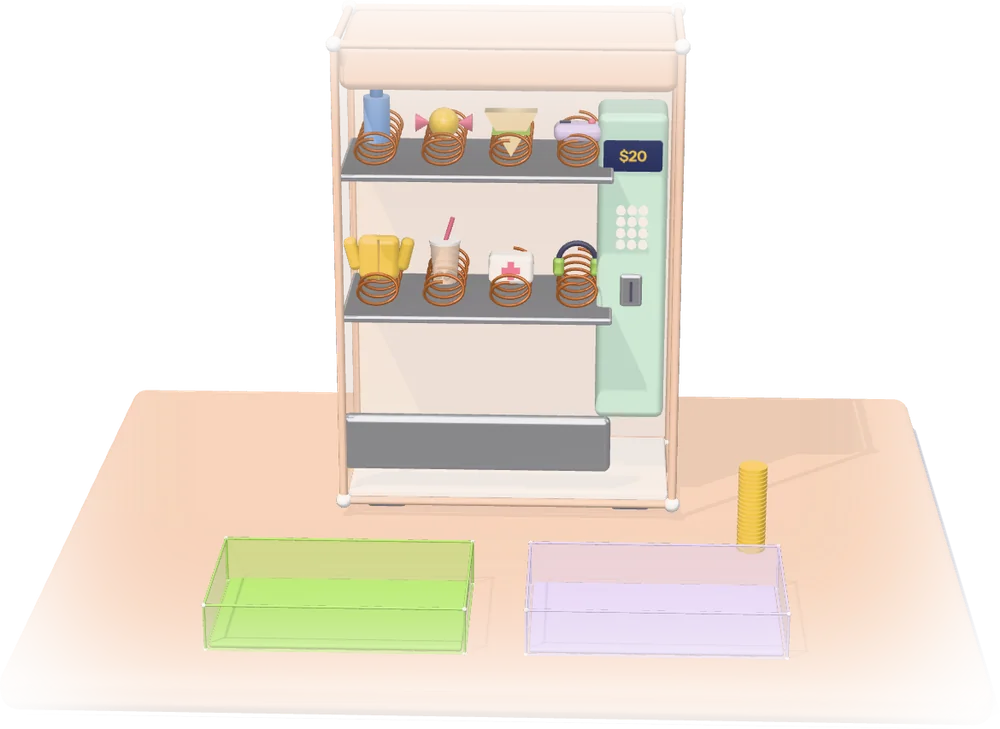
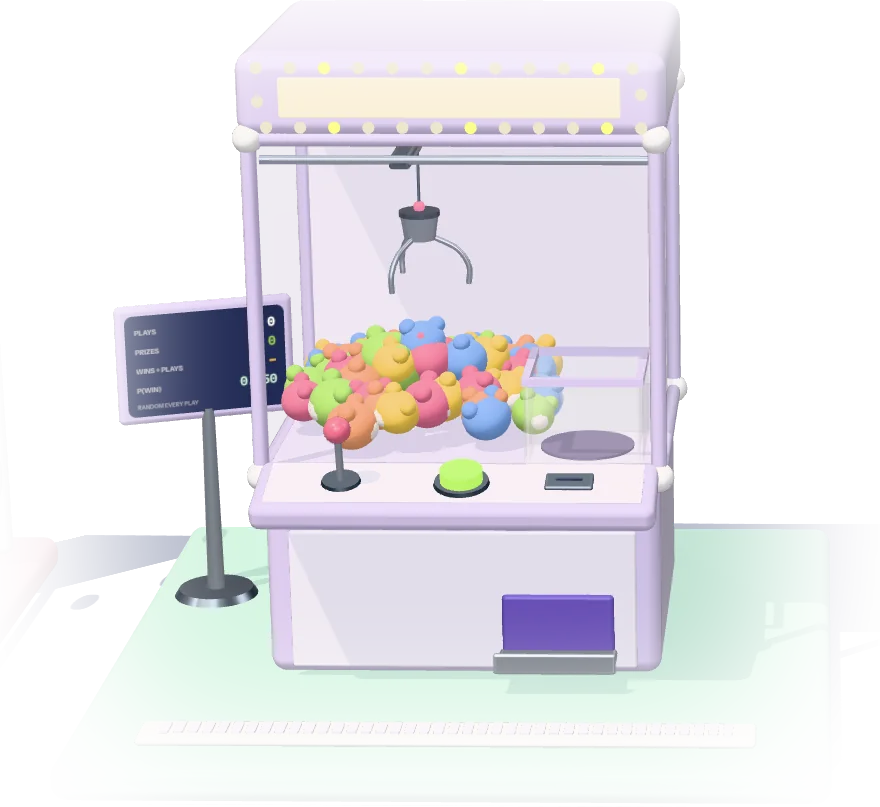
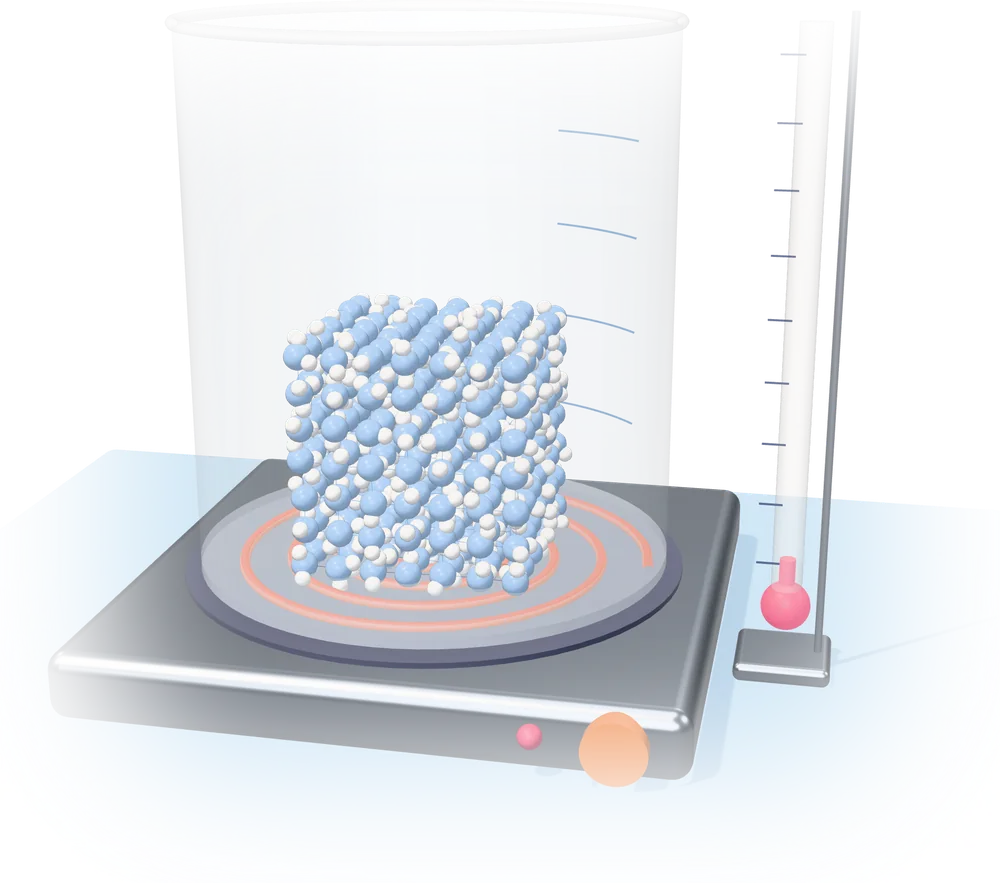
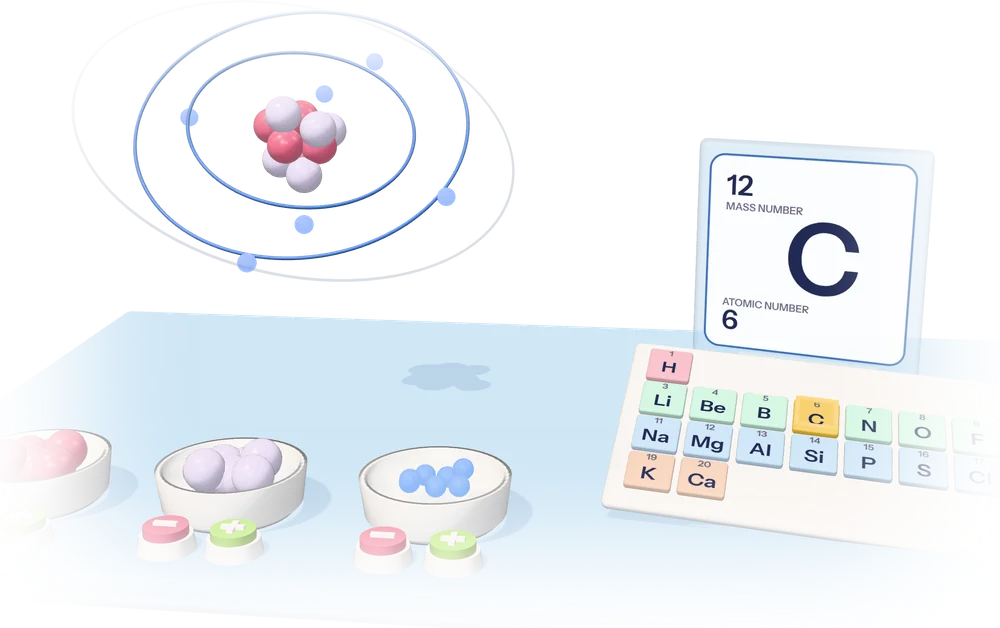
The most finished 3D machines in assembly, Year 11's first. Open one, change a setting, watch what happens, then test yourself.
02 / Your exams
Year 12 exams, in date order.
03 / Every machine
Machines for Year 12.
Open one, change a setting, watch what happens, then test yourself. Each card says the year, the standard and the exam date.
Find a machine
Inside the mechanism
Take the physics apart.
Two new 3D companions to the Energy machine. Inspect each part, change an input and follow the same model through the motion and charts. Simplified teaching models, not complete exam coverage.
The pendulum lab
See kinetic and potential energy trade places. Change length, mass and a small release angle, then dismantle the pivot, rod and bob.
Mechanics · energy and oscillationsThe generator lab
Look inside a rotating-coil generator. Change speed and field strength and connect the moving coil to flux, voltage and power.
Senior physics · electromagnetic inductionThe four-stroke engine
Follow the piston, valves and crank through intake, compression, power and exhaust. Open the casing and inspect the cycle.
Mechanisms · idealised energy cycleLook around. Find a question worth testing.
Say what you expect before changing anything.
Change one thing. Look for what moves.
Use the model to explain what you found.
04 / Play and explore
Not exam prep. Just making things.
Open-ended studios for when you want to build or muck around. Good for Years 7–10, and for anyone taking a break.
What happens if you…?
Four art studios. Make something, then download it, print it or send a remix link to a friend. Nothing is uploaded and there are no accounts.
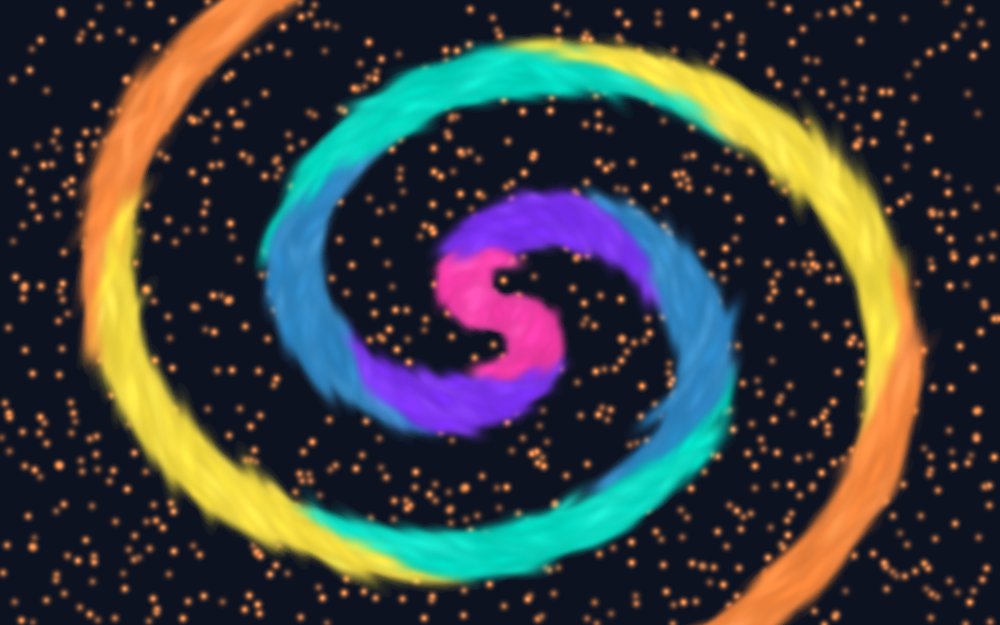
Reality Remix
Push, swirl and paint thousands of soft colour splats into your own picture.
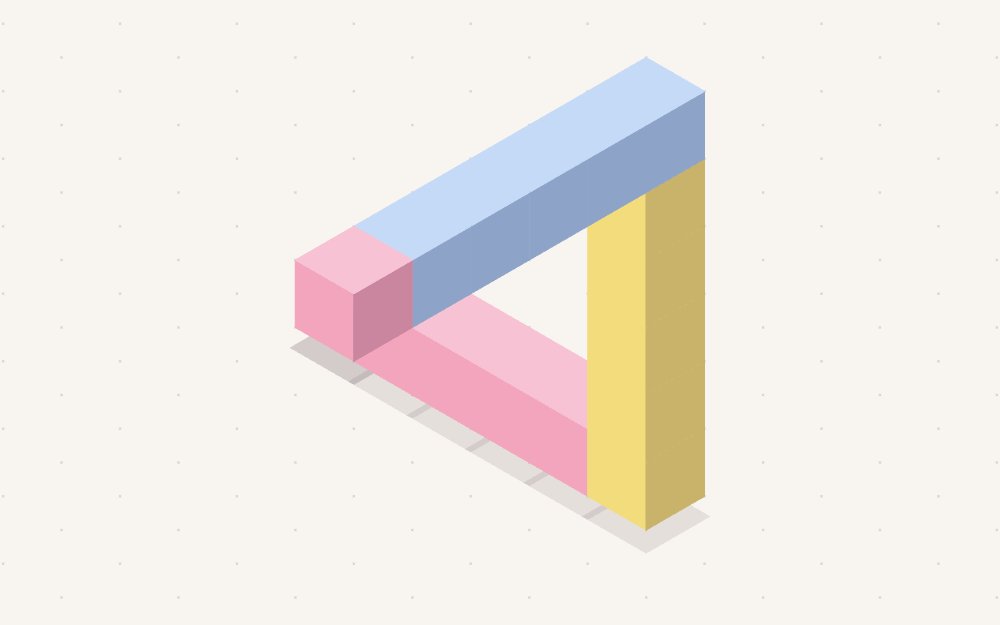
Impossible Objects
Stack pastel blocks, then build a triangle that can’t exist.
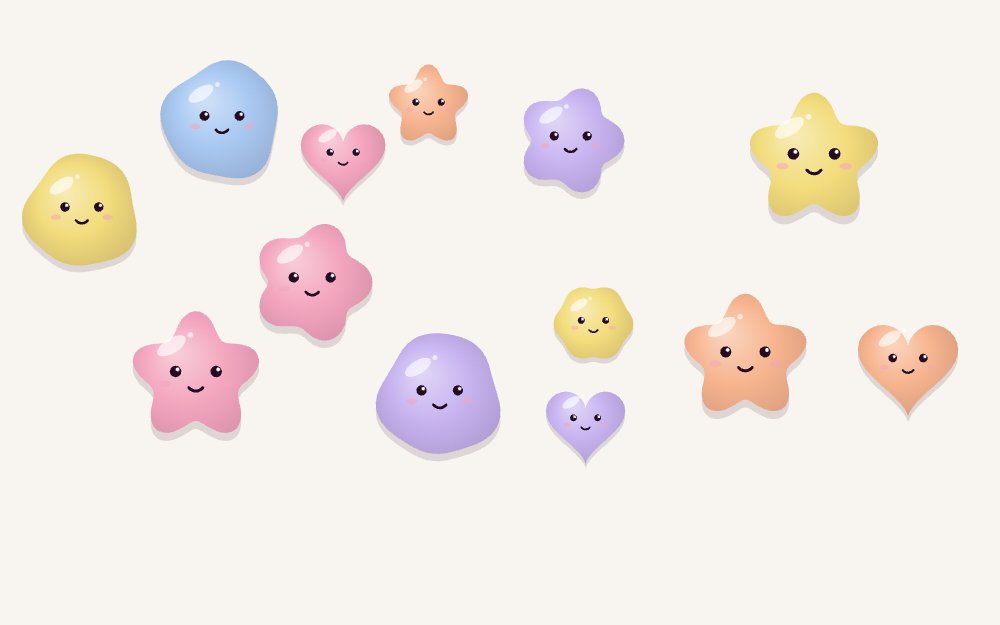
Soft Matter
Drop wobbly jelly shapes, squish and stretch them, keep your favourites.
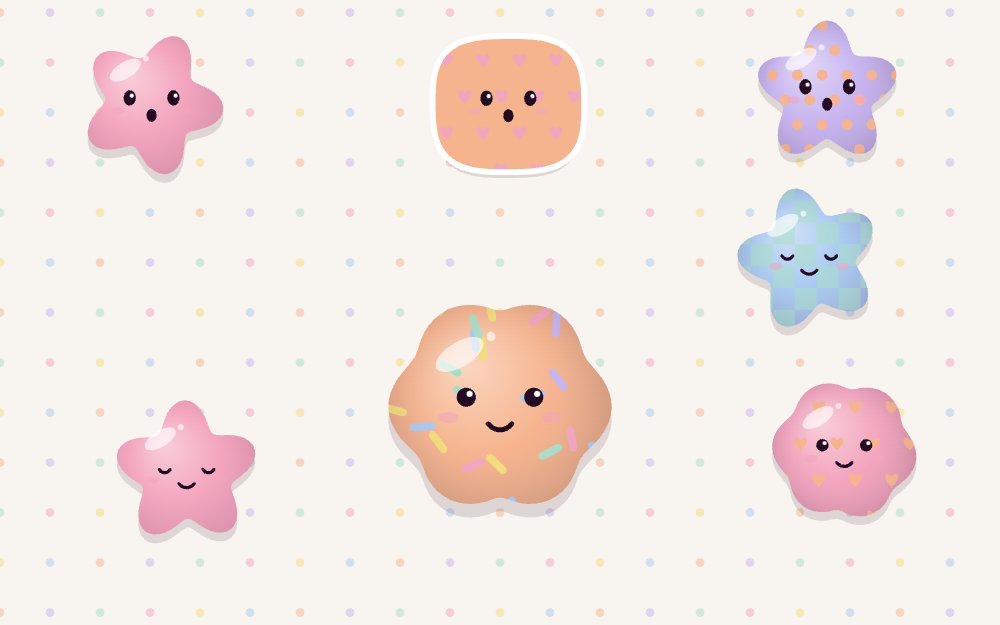
Squishy Lab
Design a squishy, squeeze it, then stamp a sticker sheet.
Whaowhia te kete mātauranga.